DIY Tips for Maintaining Refurbished Computers in Educational Settings
Introduction to Refurbished Computers
Refurbished computers offer a cost-effective solution for educational settings, providing schools with the technology needed to enhance learning experiences. However, maintaining these devices is crucial to ensure they remain functional and efficient. Here are some DIY tips to help you keep refurbished computers in top condition.

Regular Cleaning and Dusting
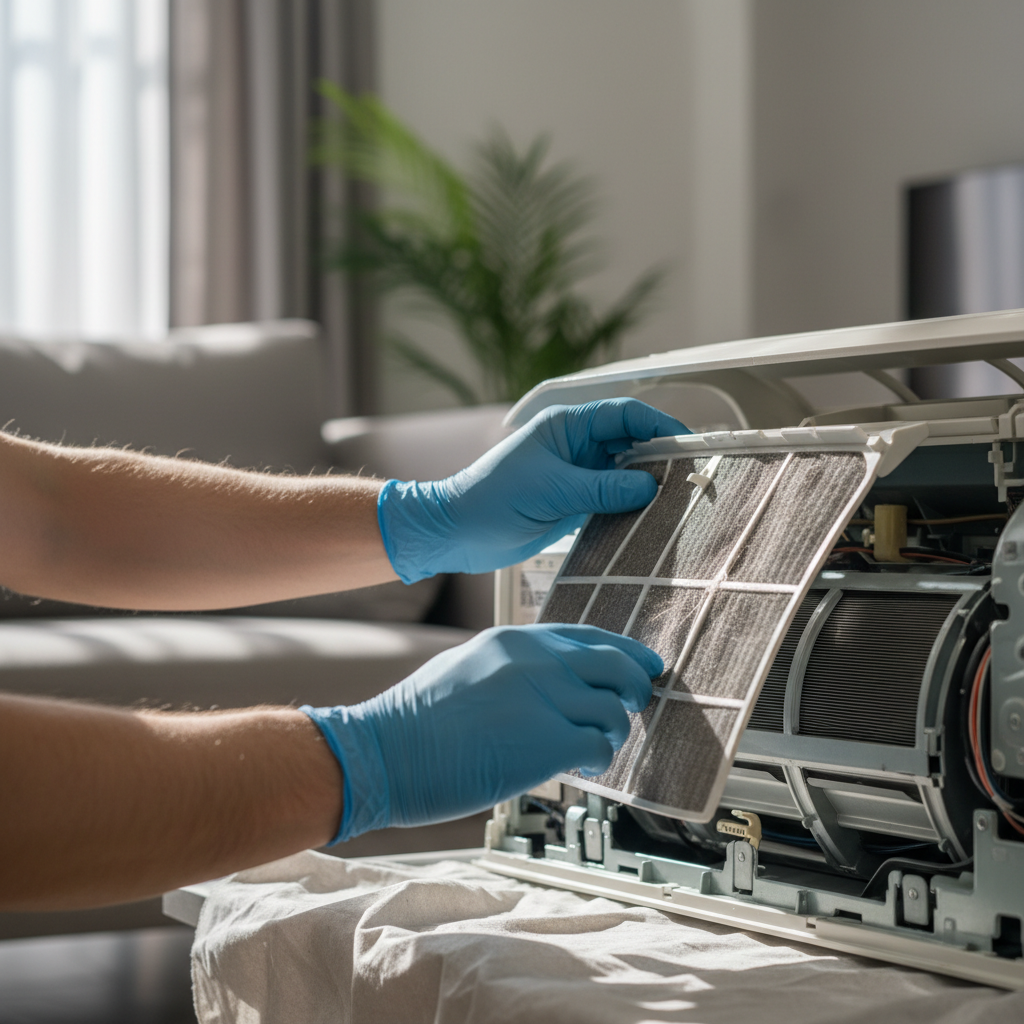
Dust accumulation can significantly affect a computer's performance. Regular cleaning helps prevent overheating and keeps components working smoothly. Use a microfiber cloth to wipe down surfaces and a can of compressed air to remove dust from vents and keyboards.
Software Updates and Security
Keeping software up to date is essential for security and performance. Ensure that operating systems and applications are regularly updated. This helps protect against vulnerabilities and ensures compatibility with new software.
Managing Hardware Components
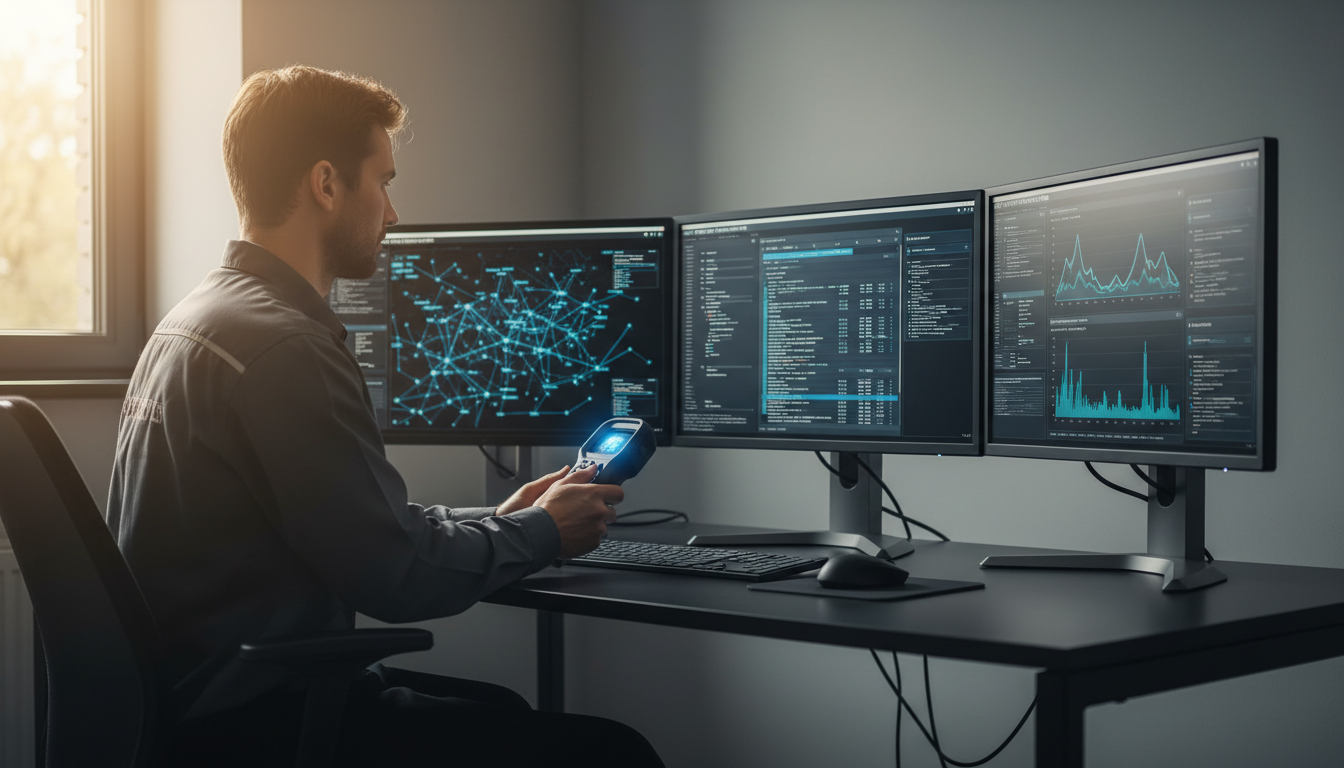
Hardware components in refurbished computers may require occasional attention. Check connections and cables to ensure everything is secure. Replacing old parts like RAM or hard drives can significantly improve performance if necessary.
Setting Up a Maintenance Schedule
Establishing a maintenance schedule helps keep track of necessary tasks. Include cleaning, software updates, and hardware checks in your routine. This proactive approach can prevent larger issues from developing.
Creating a Backup System
Implementing a reliable backup system is crucial for data protection. Use external hard drives or cloud services to regularly back up important educational materials and student data. This ensures information is safe in case of hardware failure.
Training Staff and Students
Educating staff and students about proper computer use and maintenance can extend the lifespan of devices. Conduct workshops to teach basic troubleshooting and best practices for computer care.
Utilizing Support Resources
Take advantage of available support resources, such as online forums or manufacturer support lines, for troubleshooting assistance. These can be invaluable for resolving issues quickly and efficiently.
Conclusion
By following these DIY tips, educational institutions can effectively maintain refurbished computers, ensuring they remain a valuable resource for students and staff. Regular maintenance not only enhances performance but also extends the life of these essential tools.