Expert Tips for Maintaining Your Refurbished Computers
Introduction to Refurbished Computers
Refurbished computers offer a cost-effective way to access technology without breaking the bank. However, like any electronic device, they require proper care to ensure longevity and optimal performance. In this guide, we'll explore expert tips for maintaining your refurbished computer.

Regular Software Updates
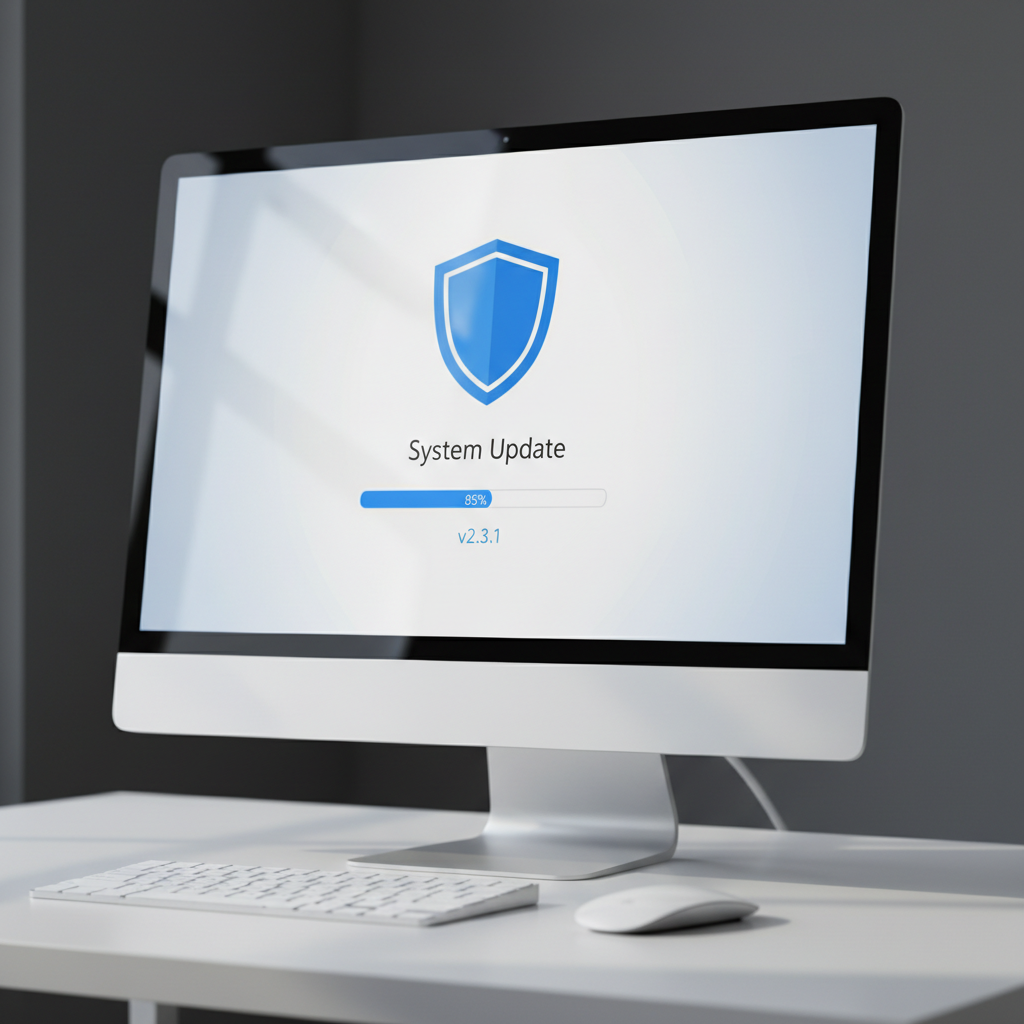
Keeping your software up to date is crucial for maintaining your computer's health. Regular updates ensure that your operating system and applications are equipped with the latest features and security patches. To automate this process, set your computer to update automatically.
Importance of Security Patches
Security patches are critical as they protect your computer from vulnerabilities that could be exploited by hackers. Regular updates help safeguard your personal data and maintain system stability.
Optimize Your Storage
Over time, your computer's storage can become cluttered with unnecessary files, which can slow down performance. Regularly clean up your storage by deleting unused files and uninstalling unnecessary applications.
Use Disk Cleanup Tools
Most operating systems come with built-in disk cleanup tools that help identify and remove temporary files, system cache, and other unnecessary data. Use these tools regularly to free up space and enhance performance.

Maintain Physical Cleanliness
Dust and debris can accumulate inside your computer, leading to overheating and hardware damage. Regular physical cleaning is essential to maintain the functionality of your refurbished computer.
Cleaning Tips
- Use a soft, lint-free cloth to wipe down the exterior.
- Use compressed air to remove dust from vents and keyboard.
- Avoid using liquid cleaners directly on the computer.
Monitor System Performance
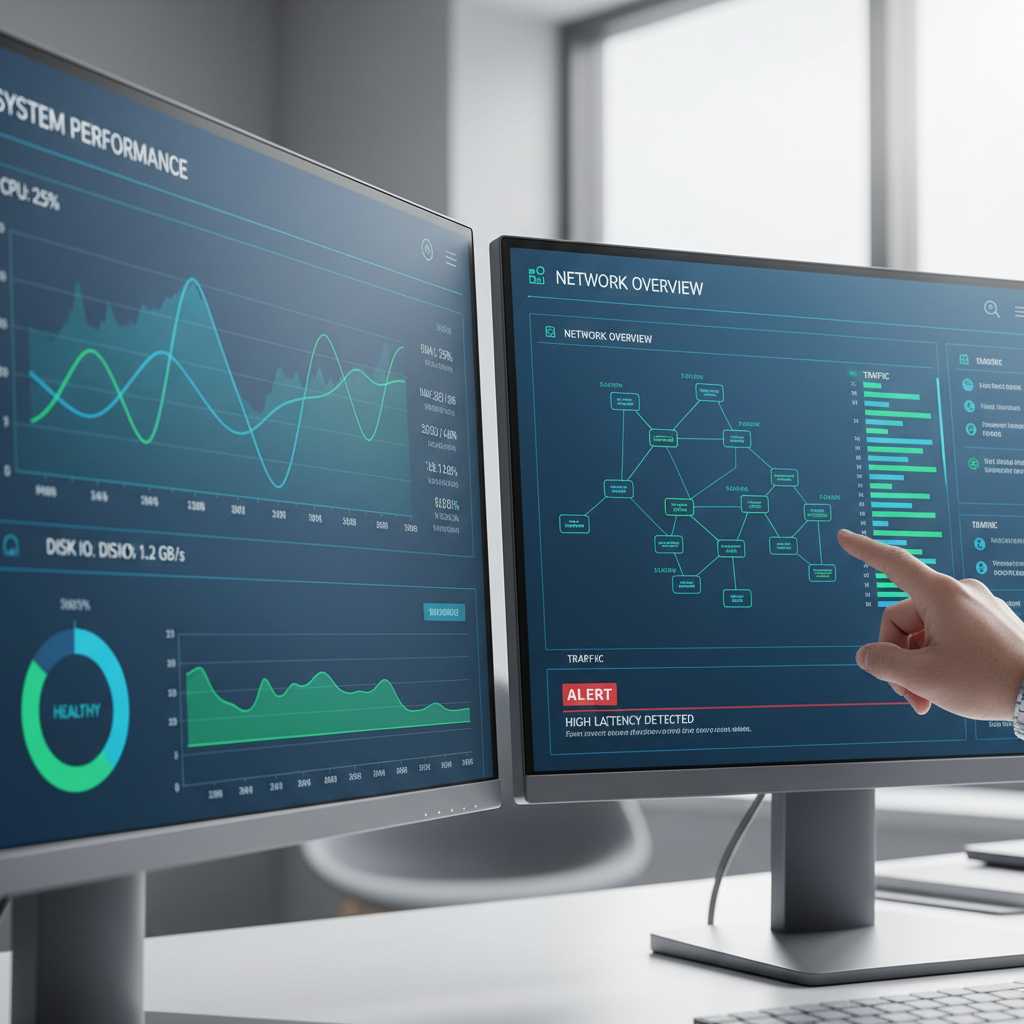
Keeping an eye on your system's performance can help you identify issues early. Use system monitoring tools to track CPU usage, memory consumption, and disk activity. This information can help you troubleshoot problems before they escalate.
Tools to Consider
Consider using performance monitoring software, such as Task Manager on Windows or Activity Monitor on macOS, to keep track of your computer's health. These tools provide valuable insights into any processes that may be slowing down your system.
Conclusion
By following these expert tips, you can ensure that your refurbished computer remains in top condition for years to come. Regular maintenance not only improves performance but also extends the lifespan of your device, providing you with reliable service at an affordable price.