Seasonal Tech Refresh: Preparing Your School's Devices for Summer Break
Introduction
As the school year winds down, educators and IT administrators face the crucial task of preparing school devices for the summer break. A seasonal tech refresh ensures that devices remain in top condition, ready for the next academic year. This guide will walk you through essential steps to maintain and refresh your school's technology efficiently.
Conducting a Thorough Inventory
Begin by conducting a comprehensive inventory of all devices. This step is vital to identify which devices need repairs, upgrades, or replacements. Organize your inventory by device type, model, and condition to streamline this process.
When documenting, include details like serial numbers and purchase dates. This information will help in determining warranty statuses and planning future purchases. Ensure all devices are accounted for, from laptops and tablets to projectors and printers.
Backing Up Important Data
Before any maintenance begins, back up all critical data. Encourage teachers and students to store their files in cloud storage or external drives. This precaution prevents data loss during updates or repairs and ensures a seamless transition into the new school year.
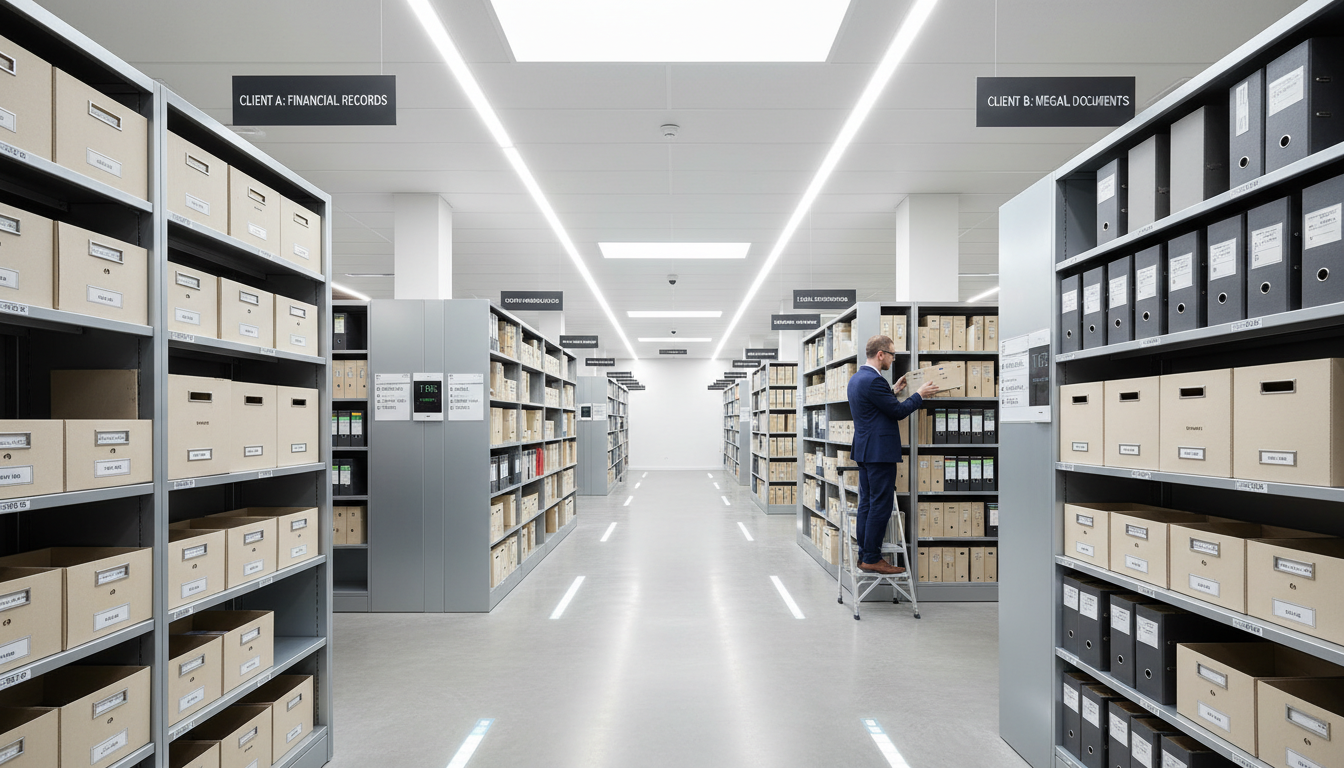
Consider setting up automated backup systems for devices with shared data. This ensures that no valuable information is lost and can be easily restored when needed. Regular backups are a key component of effective data management.
Updating Software and Firmware
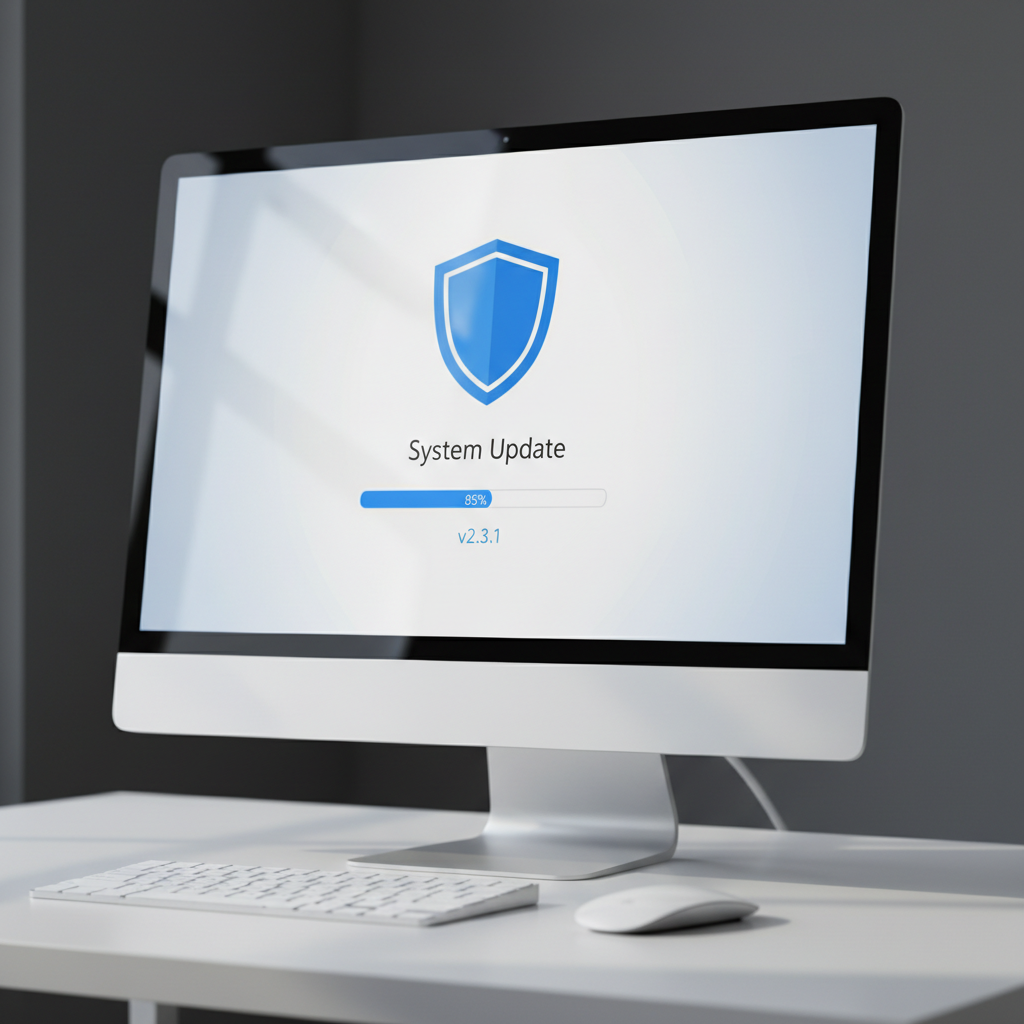
Ensure that all devices are running the latest software and firmware updates. These updates not only improve device performance but also enhance security. Check for updates on operating systems, educational apps, and antivirus programs.
- Schedule updates during off-peak hours to minimize disruptions.
- Test updates on a single device first to avoid widespread issues.
- Document any changes made for future reference.
Cleaning and Physical Maintenance
Physical maintenance is as important as digital updates. Clean devices thoroughly to remove dust and debris. Use appropriate cleaning agents, and pay special attention to keyboards, screens, and ports. Regular cleaning extends the lifespan of your devices.
Inspect devices for any physical damage, such as cracked screens or loose connections. Address these issues promptly to prevent further deterioration. Keeping devices in good physical condition ensures they are ready for the next school year.
Planning for Future Needs
As part of your tech refresh, assess the future needs of your school. Consider whether current devices meet educational requirements or if new purchases are necessary. Evaluate new technologies and trends that could enhance learning experiences.
- Consider student-to-device ratios for effective learning.
- Explore funding options for technology upgrades.
- Engage with educators to understand their tech needs.
By planning ahead, schools can ensure they have the necessary resources to support both teachers and students in achieving their educational goals.
Conclusion
A well-executed seasonal tech refresh prepares your school's devices for summer break and sets the stage for a successful new academic year. By following these steps, you can maintain your technology investment and continue providing high-quality education to your students.